Tax season has a funny way of sneaking up on us.
One minute you're happily rounding up spare change into Bitcoin, and the next you're staring at your inbox, wondering whether the ATO wants to know about your crypto investments.
The good news? If you've been investing through Bamboo, tax time is usually a lot simpler than many people think.
And with increased attention on crypto tax reporting in recent years, now is a great time to make sure your records are in order.
First Things First: Does Crypto Need to Be Reported?
In Australia, cryptocurrency is generally treated as an asset for tax purposes.
That means certain activities can create a Capital Gains Tax (CGT) event, including:
- Selling crypto
- Swapping one cryptocurrency for another
- Spending crypto on goods or services
- Gifting crypto in some circumstances
If you've simply been accumulating crypto and haven't sold or exchanged any of it, your tax obligations may be much simpler than someone actively trading.
Of course, everyone's situation is different, so it's always worth speaking with a qualified tax professional if you're unsure.
The Biggest Mistake Crypto Investors Make
Most people assume tax becomes complicated because crypto is complicated.
In reality, tax becomes complicated because records are incomplete.
By the time June 30 rolls around, reconstructing everything manually can become a headache.
That's why keeping accurate records throughout the year is one of the smartest things any investor can do.
Plus, if you’ve been using Bamboo this last financial year, it’s important to understand how your crypto activity might factor into your return.
Whether you’ve made a withdrawal, a top-up, or just let your round-ups do their thing, the ATO has a few rules around digital assets, and we’re here to help you stay on the right side of them.
Meet Summ (Formerly Crypto Tax Calculator)
To make tax reporting easier, Bamboo integrates with Summ, previously known as Crypto Tax Calculator.
Summ helps investors consolidate their crypto activity and generate tax reports that can be shared with their accountant or used when preparing a tax return.
Rather than manually piecing together transactions across platforms, Summ brings everything together in one place, helping you understand your capital gains, losses, and crypto-related income.
Let’s take the stress out of crypto tax and keep things simple, just the way Bamboo was built to be 🌱.
Bonus: Save 25 % on your first year – enter the promo code BAMBOO at any plan checkout on the Summ website.
*****
How Bamboo Users Can Get Started
Accessing & exporting your reports 👇🏼
Whether you're an individual user or an SMSF investor, we provide flexible options for accessing and exporting your tax reports. Here are the available export formats:
PDF – A detailed PDF spreadsheet view of your transactions and summaries.
CSV – A detailed CSV spreadsheet view of your transactions and summaries.
NEW: Summ CSV – Just download the pre-formatted file in-app and upload it into Summ and generate your tax reports.
Note: First time sending your Bamboo data to Summ? Upload your entire transaction history, so Summ will calculate cost basis and gains accurately; after that you can upload by date range.
*****
For SMSF users👇🏼
If you manage a Self-Managed Super Fund (SMSF), you’ll need to prepare specific reports for tax purposes at the end of each financial year.
Guide for SMSF account owners:
1. Export your transaction report
2. First-time export: select “Since start” so Summ receives your full transaction history and can establish an accurate cost base.
3. Later exports: choose the specific financial year you need.
Use Summ
Upload the Summ CSV file directly into the software.
It will automatically categorize transactions, and you can then generate your tax reports.
Consult your tax advisor to ensure compliance with current taxation laws. The information provided does not take into account individual taxpayers' circumstances, and we are unable to provide tax advice.
Need Help?
If you’re working with an accountant, simply send them the exported file.
*****
How to export your Bamboo transaction history into Summ 👇🏼
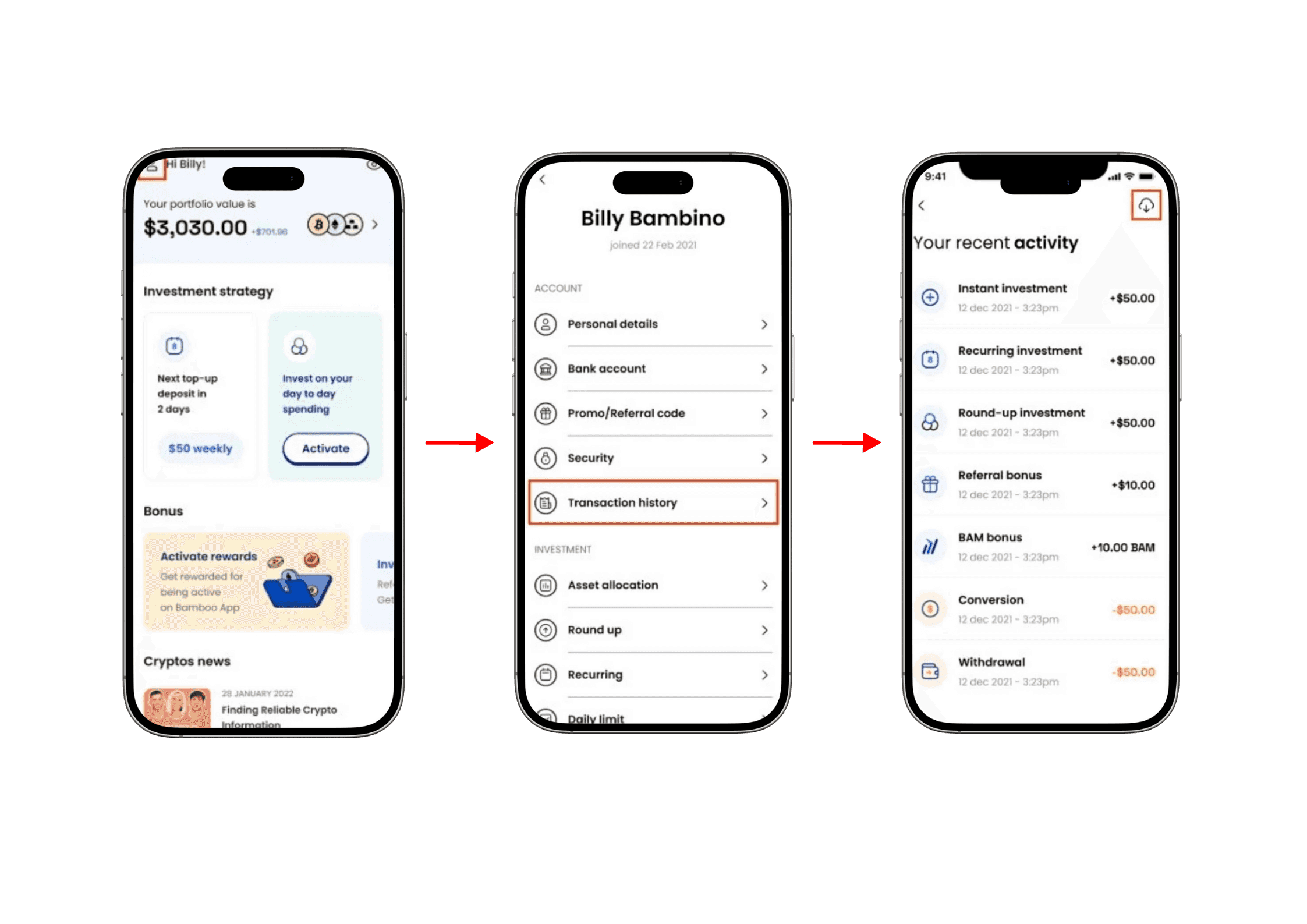
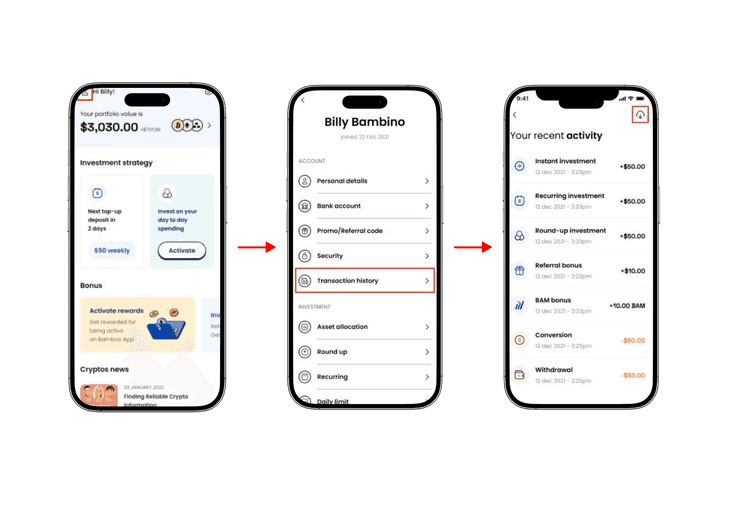
Open the Bamboo app and, on the Home screen, tap the Settings button (person icon in the top-left corner).
Select Transaction history from the Settings screen.
On the Activity screen, tap the Export button (cloud-download icon) in the top-right corner.
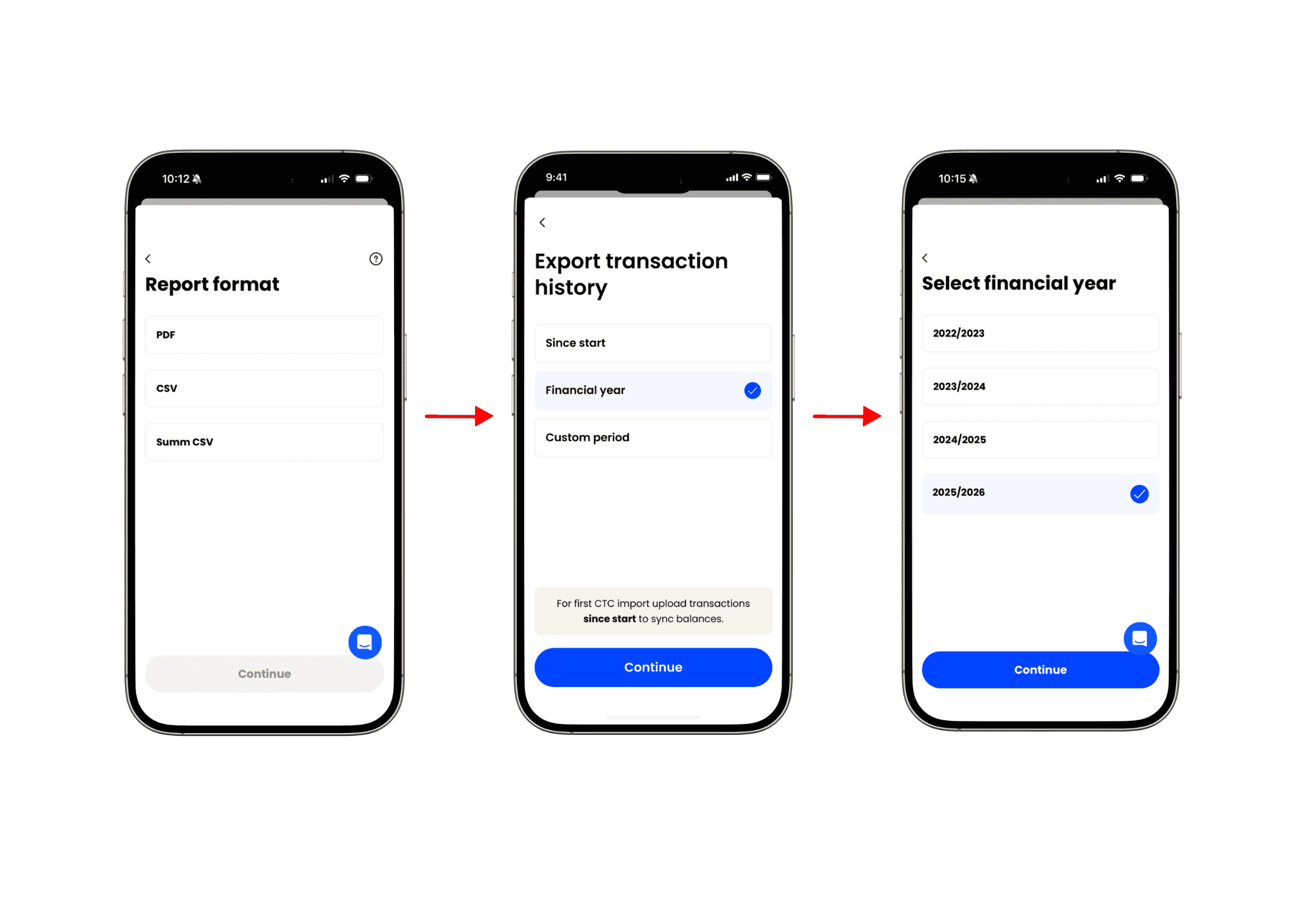
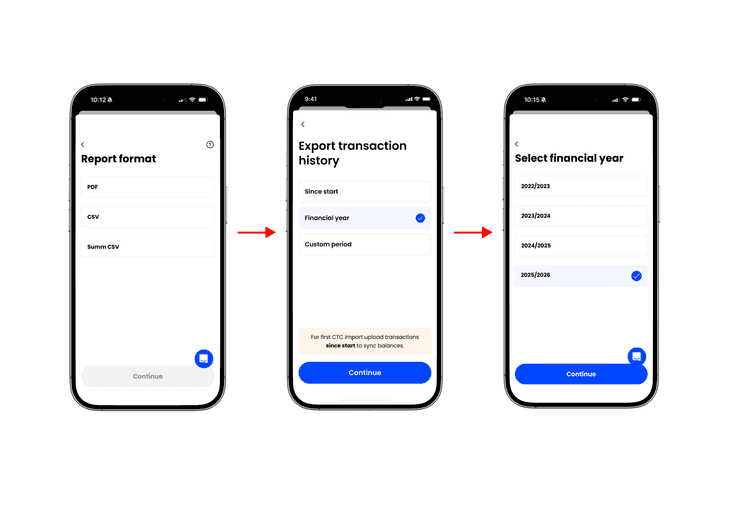
Select Summ CSV as the report format and tap Continue.
Choose a date range for your report:
Since start — downloads all data since you’ve started using the app.
Note: First time using Summ? Export all transactions since start so your balances line up.
Financial year — choose the financial year you want to download the transactions for.
Custom period — set your own start and end dates of the report.
A confirmation message appears — your CSV is emailed to the address linked to your Bamboo account
Download the file from your email, then upload it into Summ to complete your import.
Tip: If the email doesn’t arrive within a few minutes, check your spam folder or confirm your email address in Settings → Personal details. For additional help, go to Profile → Help & Support in the Bamboo app
*****
All of these instructions are also on our website under Frequently Asked Questions.
And remember, if you’re staring at your tax return thinking “surely my $50.00 in Bitcoin round-ups doesn’t really matter,” well, the ATO thinks it might. So let’s not give them a reason to audit your oat milk purchases & Netflix subscription. 😬
Team Bamboo 🌱